How To Update Your Account
Account Update Instructional Video
Step 1
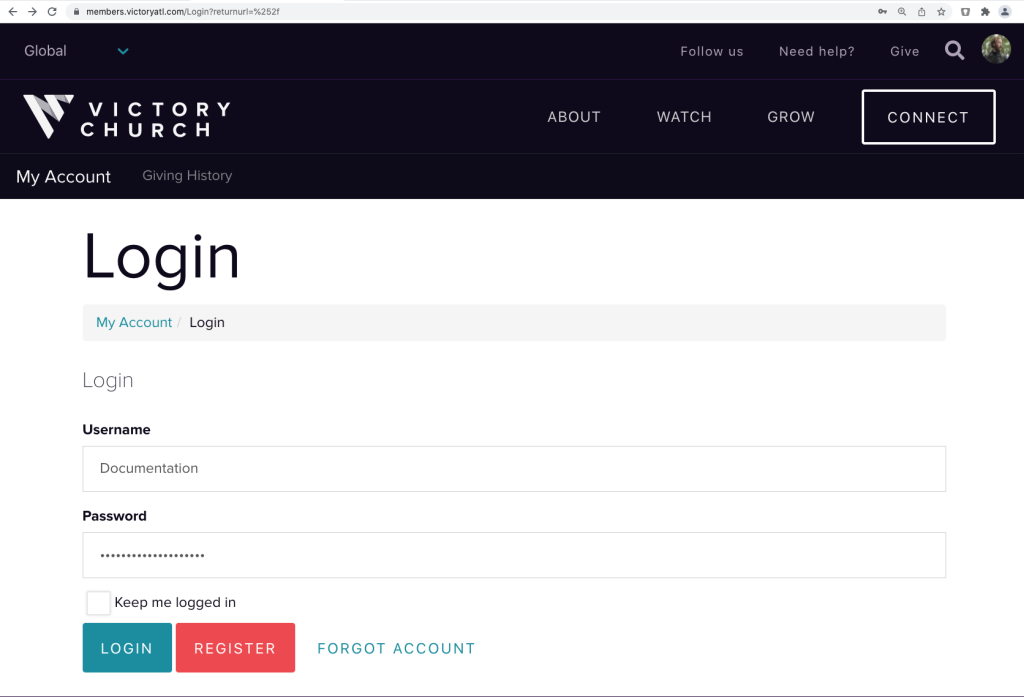
Click the Account Update button above.
Enter your Login ID and Password.
If you don’t have an account, please choose register.
Once you have entered your login credentials, select Login.
Step 2
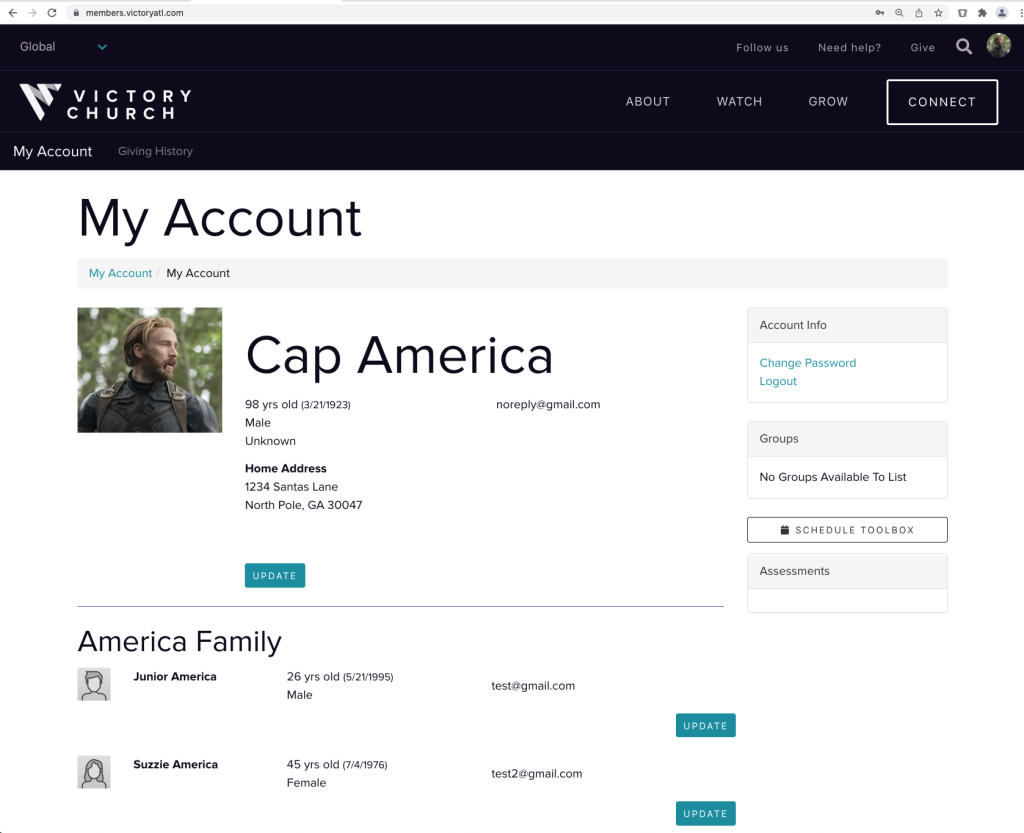
Once you are in your account, please make sure all of your information is current, especially your email as this is where you will receive notification that your statements are ready to view.
If your information is not current, please click on the Update button. You may update family members as well if they are shown under your account.
Step 3
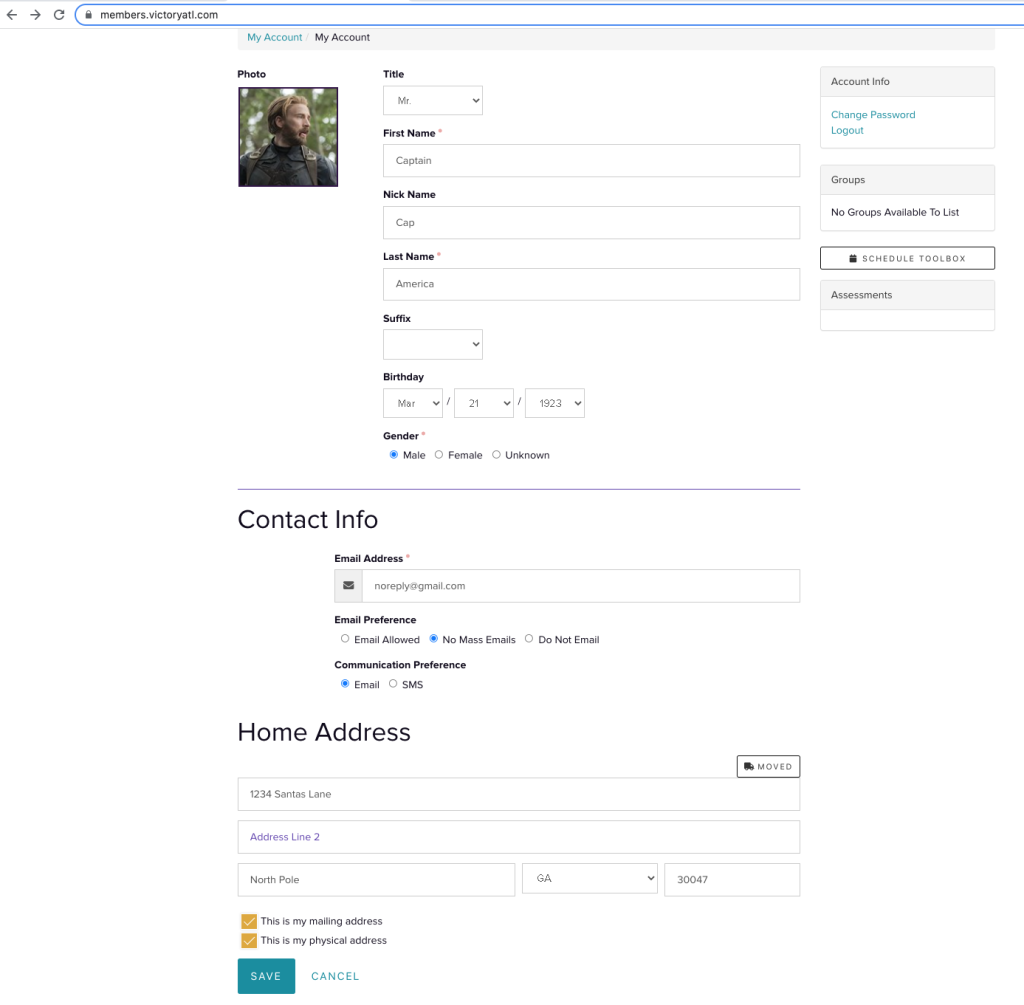
Once you have clicked the update button, please update the fills as needed.